Estimated Reading Time: 3 minutes, 628 words
Primary Audience: Classroom Teachers and Coaches
What if your students could see their stories come to life with just a few clicks? What if an image sparked revision, deepened description, or even led to an “aha!” moment about a missing detail? That’s exactly what happened when I introduced AI-generated images to my second-grade writers. Here’s how this simple experiment transformed their engagement with editing and revising.
My goals for this AI activity included:
- Allow students to see their story in type, with proper conventions, prompting editing within their written work.
- Engage and excite them with realistic images, prompting revision if the images didn’t turn out as they’d hoped.
How It Works: You can use any online image generator. I’ve used Novodia or Image FX in the past. For this activity, I chose ChatGPT.
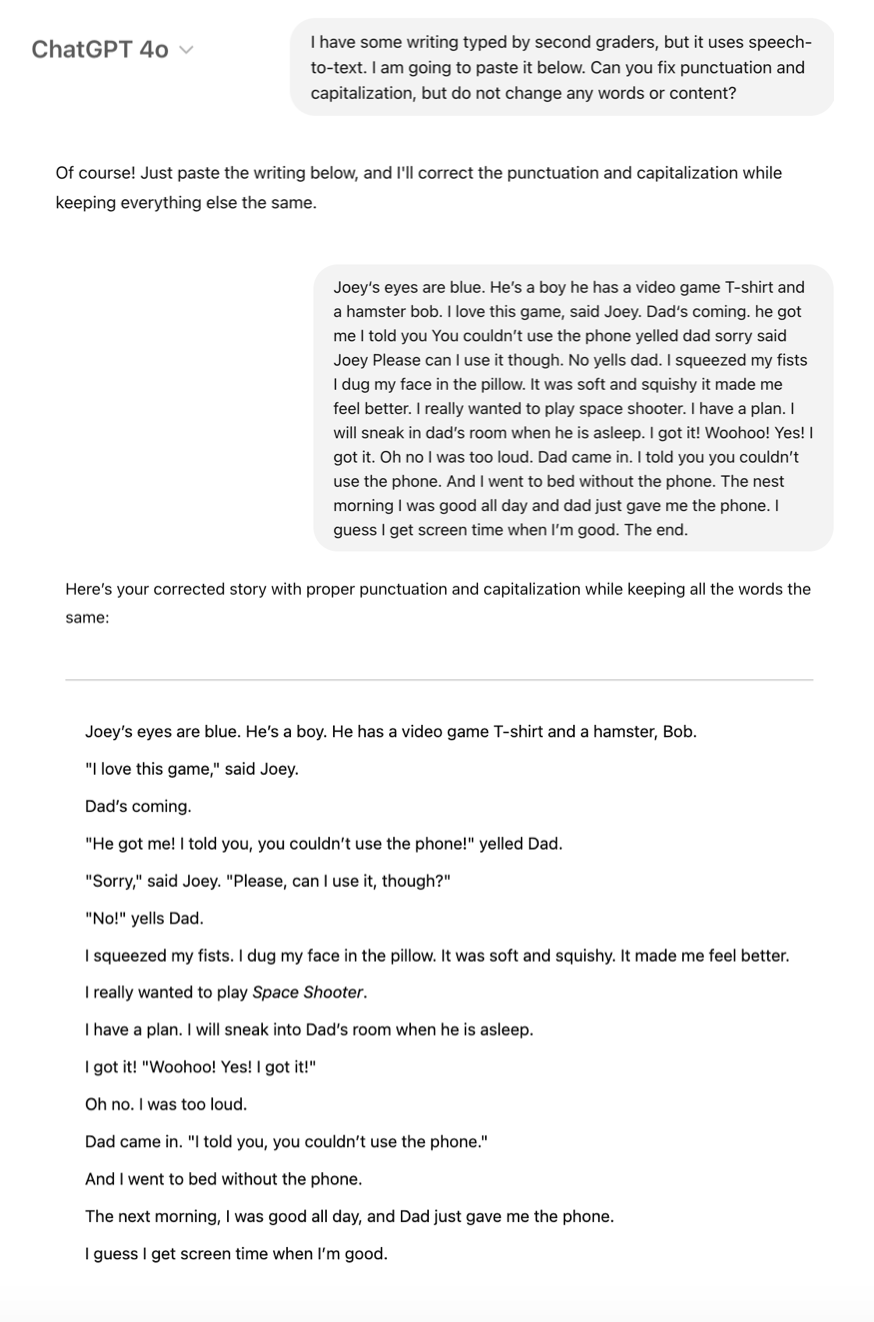
The biggest challenge was that these second graders had never typed a story before, and I didn’t want to type all their stories for them. Instead, I had them use speech-to-text, which led to many conventional errors—even when their handwritten versions were correct. So, the first step in our process was asking “Chat” to fix capitalization and punctuation.
Next was the fun part! I asked Chat to generate 2 images to match the story. I loved seeing how the student’s character descriptions (or lack thereof) showed up in the computer-generated images!
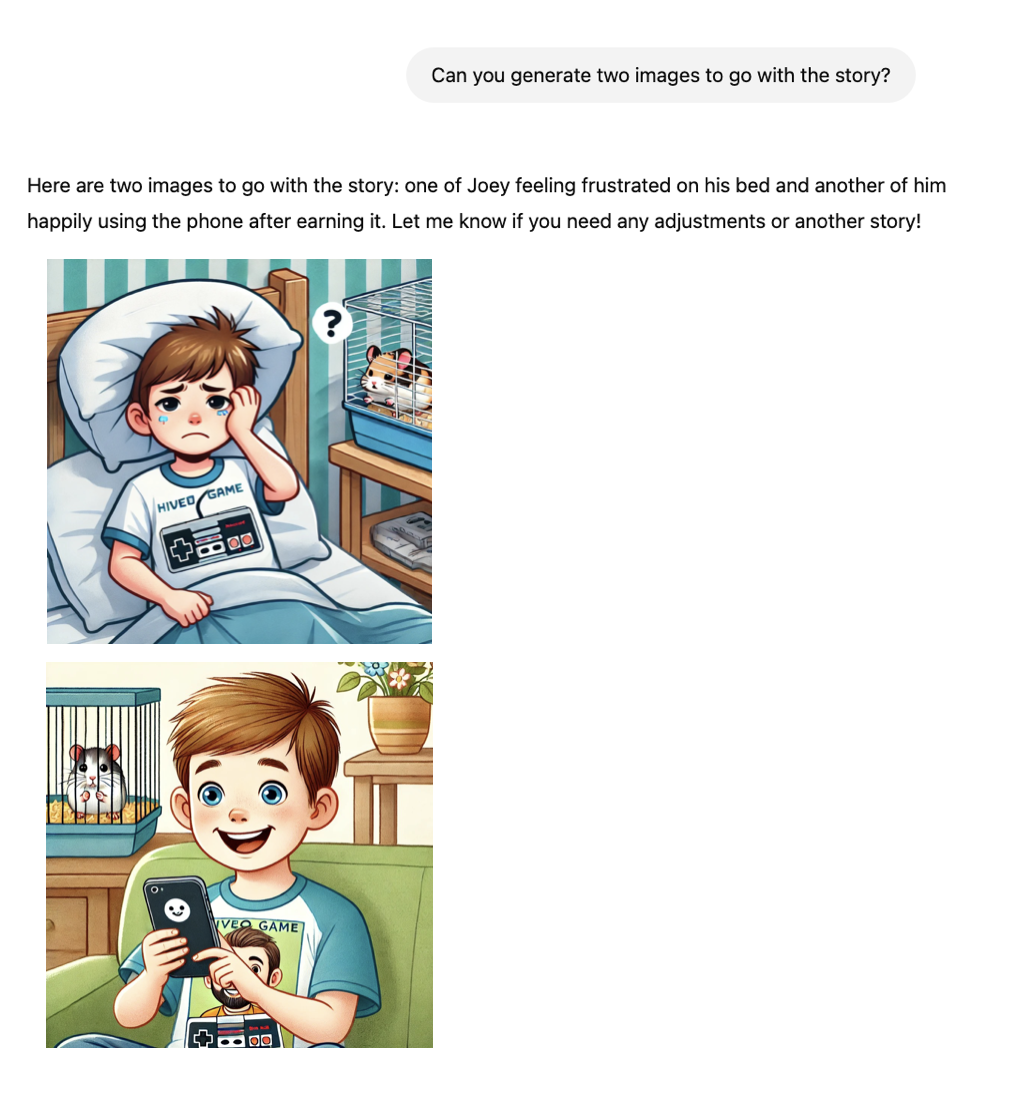
One student was shocked to see that their character was a girl in the AI photos. “He’s a boy!” The student yelled. I responded, “Well, how did you describe this boy character?” The student realized he never, in fact, mentioned the character’s gender, and took this opportunity to revise.
Revising With a Purpose: Most of the kids were happy with their images, but some wanted a do-over. To earn another shot at generating new images, I told them they had to add at least five sentences of description to their story. They were eager to prove they could do it!
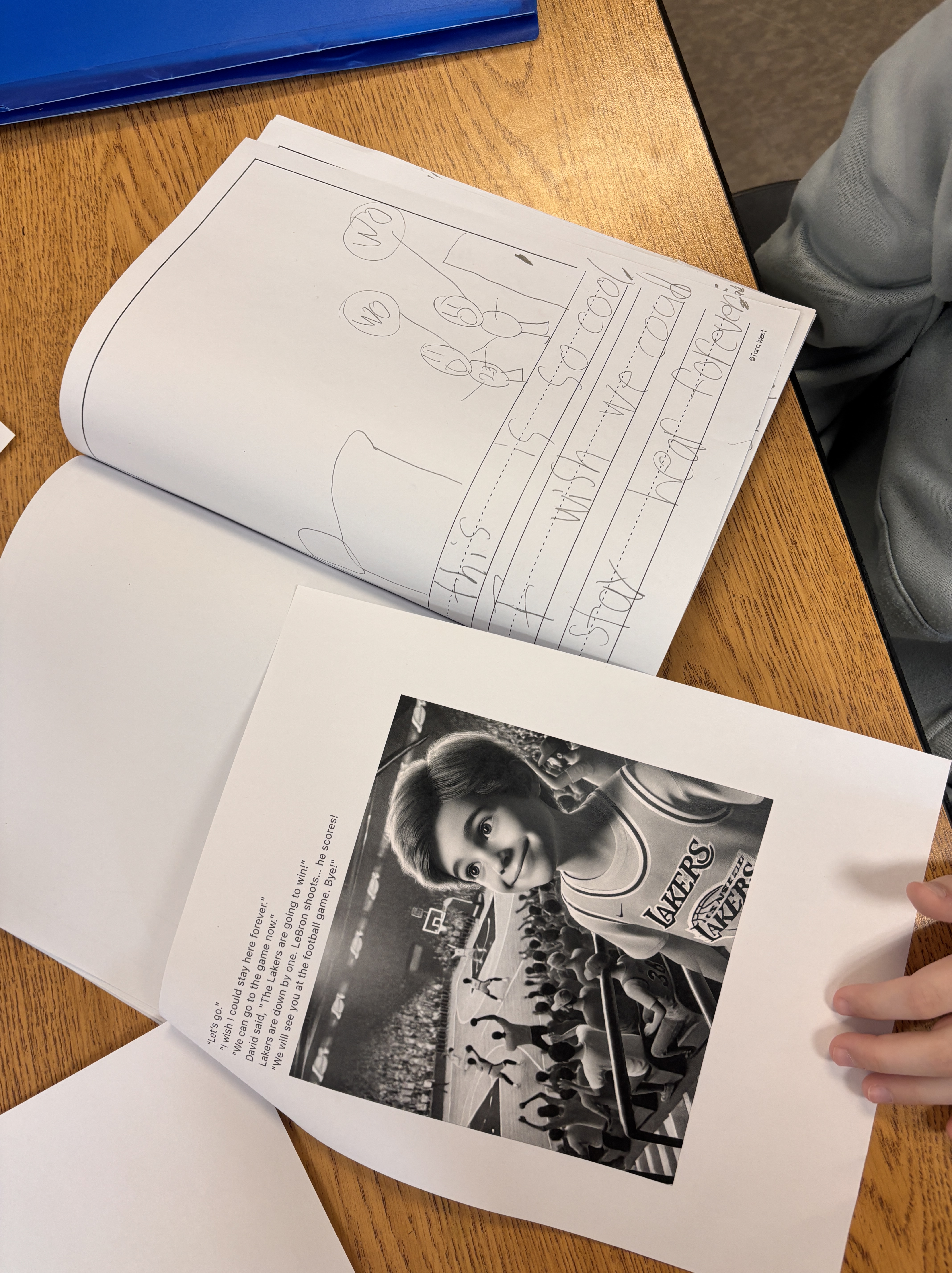
Editing With a Scaffold: The students were excited to take home a printed, full-color copy of their book. But first, I told them, their written story had to demonstrate proper conventions. This was especially impactful because we had just learned how to use quotation marks, and some students still struggled with accuracy.
They placed their typed and handwritten stories side by side, carefully comparing them. The conversations that followed demonstrated higher-order thinking as students noticed discrepancies and fixed mistakes.
Here’s a Secret: The most time-consuming part of this process was teaching students to use speech-to-text for the first time. This activity would work even better in upper grades where keyboarding is part of the curriculum. I only spent 2 minutes on Chat for each story!
One Thing to Remember: Students will experiment with AI whether we introduce it or not. Instead of viewing it as a shortcut that bypasses learning, we can teach kids to use AI as a powerful writing tool—just like in this lesson. This teaches writers to be reflective and critical thinkers who consider who AI could both support and challenge their writing process. Let’s prepare students for the modern world of writing.
The Fine Print:
- I used ChatGPT Plus, which is a paid plan and uses DALL-E for image generation. On the free plan, you can still generate images, but only a limited number per day. There are new AI tools published every day, and I’m sure someone out there has an even better tool or method for accomplishing these goals.
- After a few stories, I realized all of the images featured white characters unless students described their characters otherwise. I reminded Chat to feature diversity in the image generation, and it quickly complied.
Go Deeper: Learn more about AI and writing instruction from these #TWTBlog posts:
Discover more from TWO WRITING TEACHERS
Subscribe to get the latest posts sent to your email.


Thanks for expanding the scope of what ai can do!
LikeLike
This is such an exciting vision of how AI could be useful and empowering with students. Thanks for giving me inspiration to incorporate it into my teaching!
LikeLike
Thank you for this wonderful post about using AI in the classroom. It helped me see AI’s potential and how it can be positive. Your intentional lesson clearly demands critical thinking and creates stronger writers. Revision is hard enough to teach and the use of AI in this lesson is a motivating and timely tool. Again, thanks.
LikeLike
Thanks, Nancy! I’m glad this prompted you to think.
LikeLike