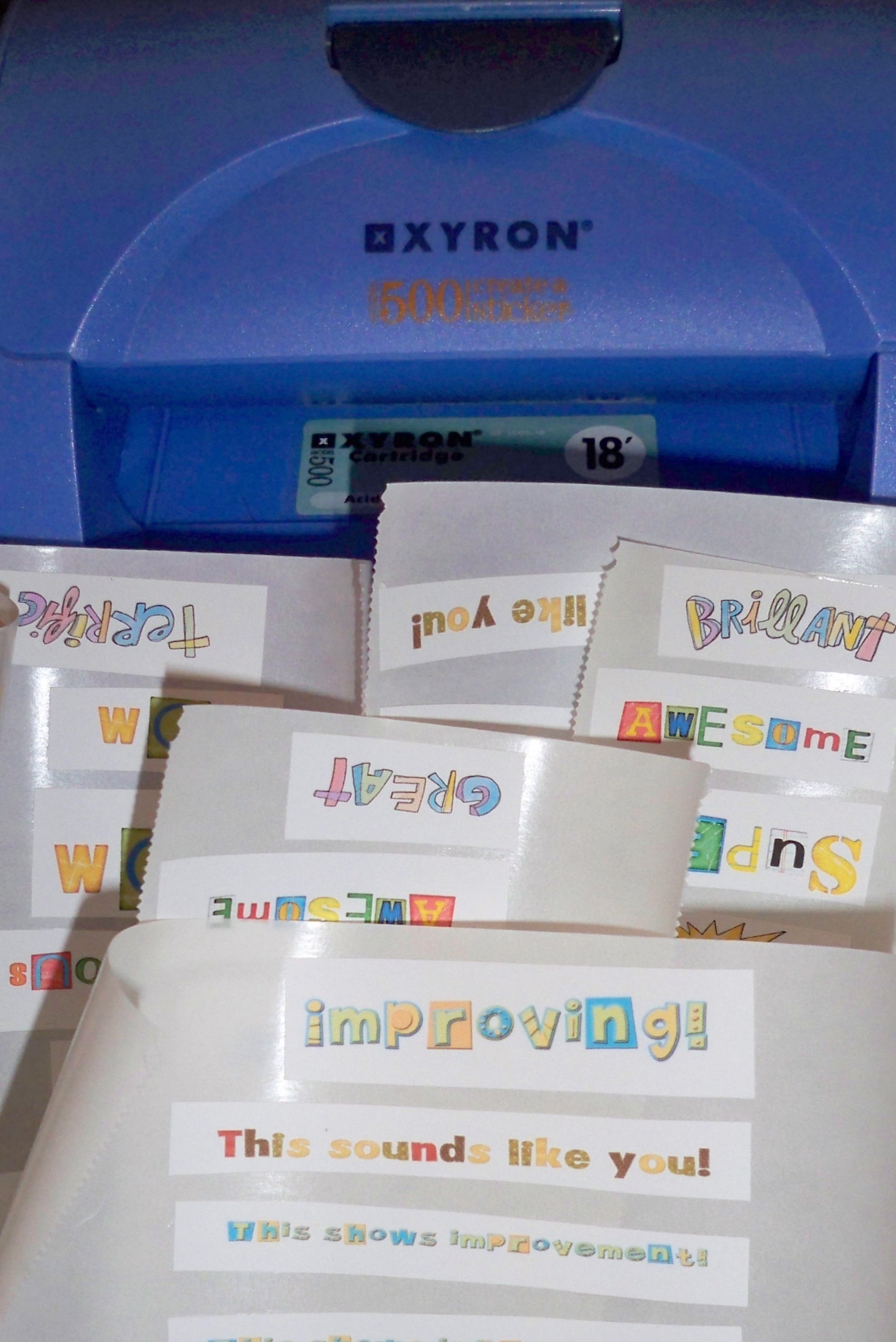
I’ve been thinking about investing in a sticker machine for quite some time now, but couldn’t justify it. However, when I thought about how much I’ve been paying for stickers lately, the idea of having my own sticker machine for the purpose of making my own stickers for my students seemed more attractive. (I used my teacher discount at Joann Fabric and Craft when I bought it, which took the price down 15%.)
I tried it out today using my Creative Delights Companion Software (you can download it for free by clicking here) and am extremely happy with the results. I especially like the fact that I can create any message my heart desires and then turn it into a sticker for my kids. (Some examples of stickers I created are: “This sounds like you,” “Reasons are clear,” “This shows improvement,” and “Excellent Idea.”)
Here’s what I’ve created so far:
Discover more from TWO WRITING TEACHERS
Subscribe to get the latest posts sent to your email.


This made me think of this great idea where you can print onto your post-its from your regular printer. The directions are here:
Click to access 5_step_post_it_instructions.pdf
This example is for printing writing checklists onto the post-its to be put on student writing, but I’ve used the idea for lots of different things.
LikeLike